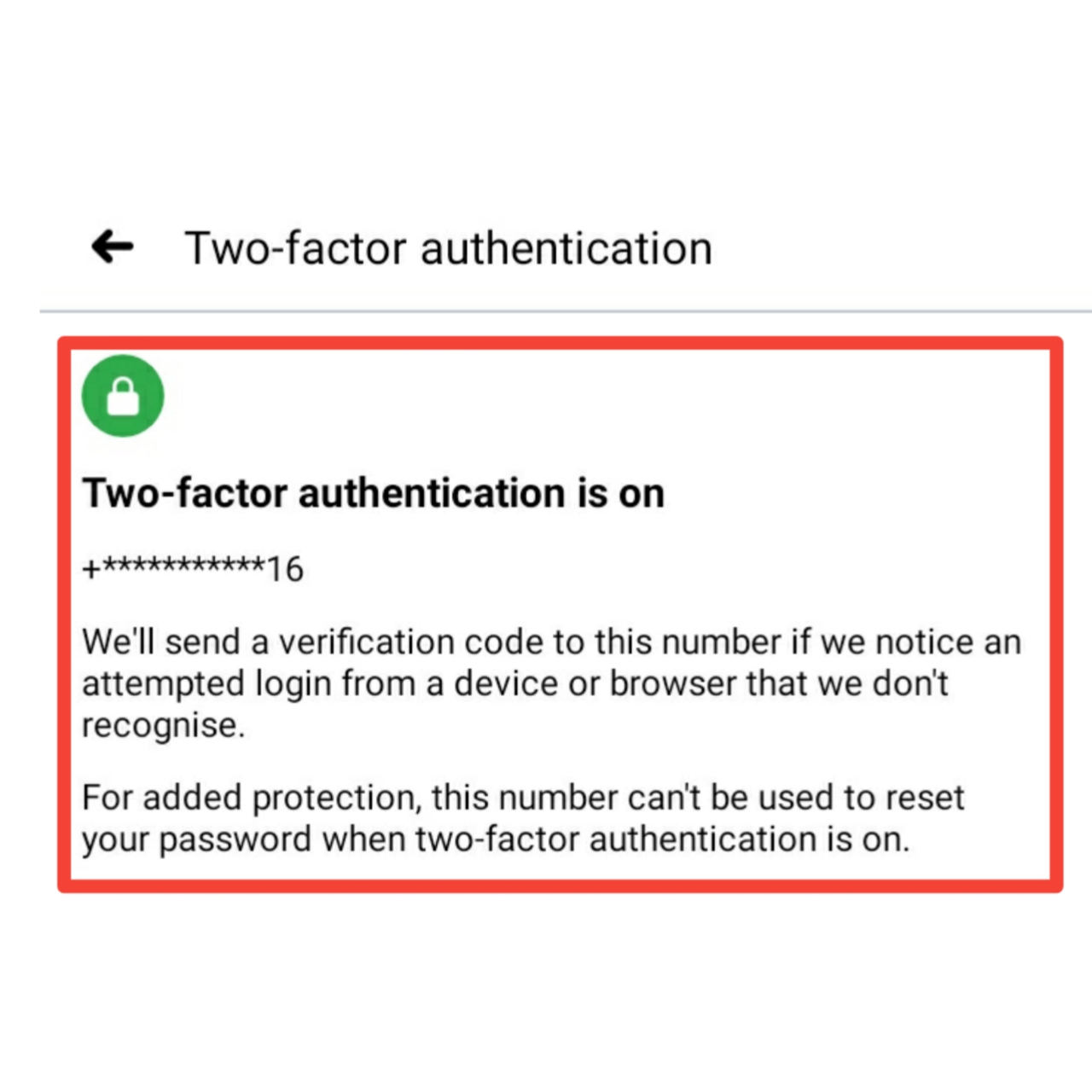
In our previous article we read on what is a 2FA & why is it important. In this article we will discuss on how you can enable it to make your account extra secure.
In general, the two factor authentication is enabled through the security tab on any of your website or social sites which provides you a 2FA security. Lets look in detail on how to enable it for a particular site.
1. Facebook :
One of the most common social site accounts to be hacked is of Facebook. Lets see on how to enable the 2FA.
Step 1 : Open the Facebook app
Step 2 : Click on the 3 lines on the top right corner & navigate to settings


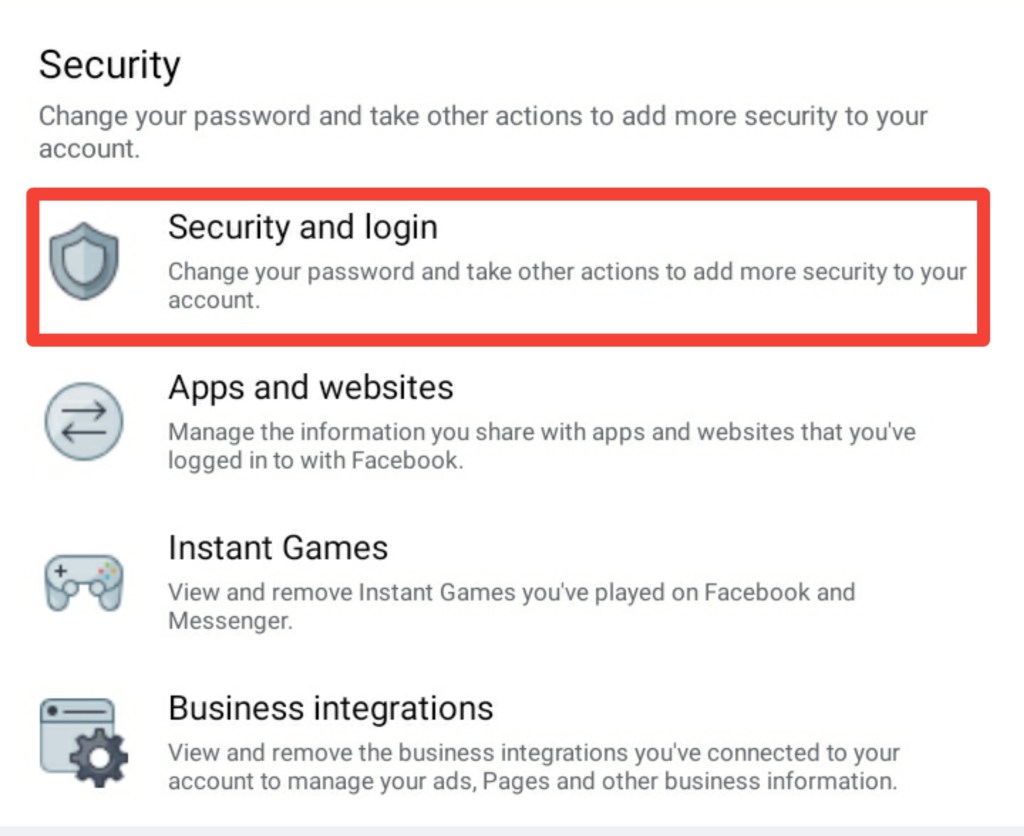
Step 3 : Under the Security tab Select Security & Login
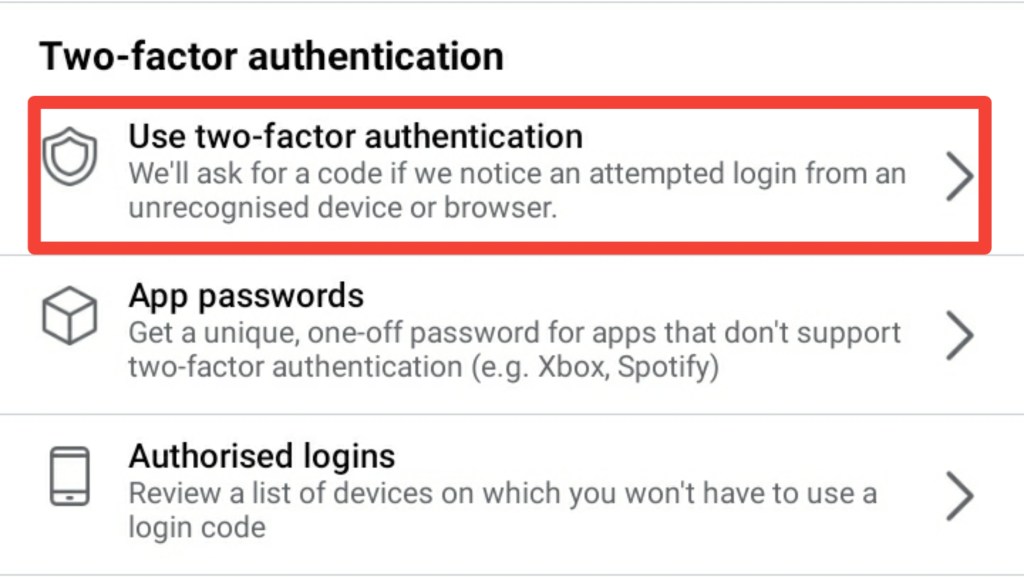
Step 4 : Under the two factor authentication tab, select “use two factor authentication”
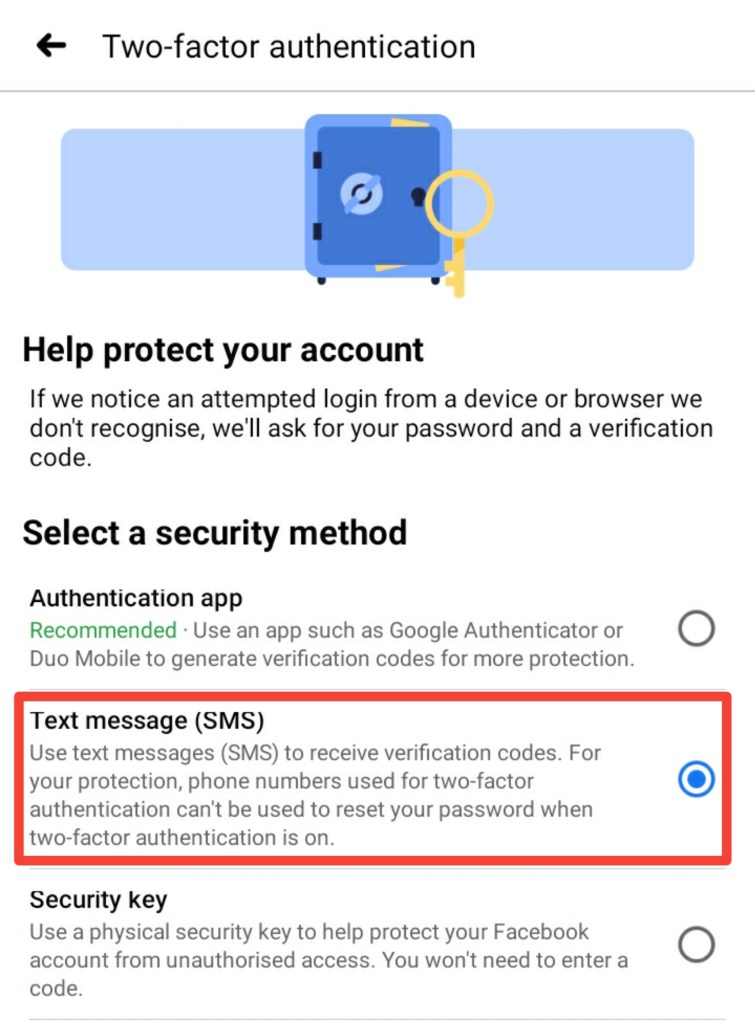
Step 5 : Next select on any one of the method you wish to use as a way of verifying access. In this case I’m selecting the Text Message (SMS) Option.
Step 6 : Select any of the number you have provided while creating your facebook account & hit continue.
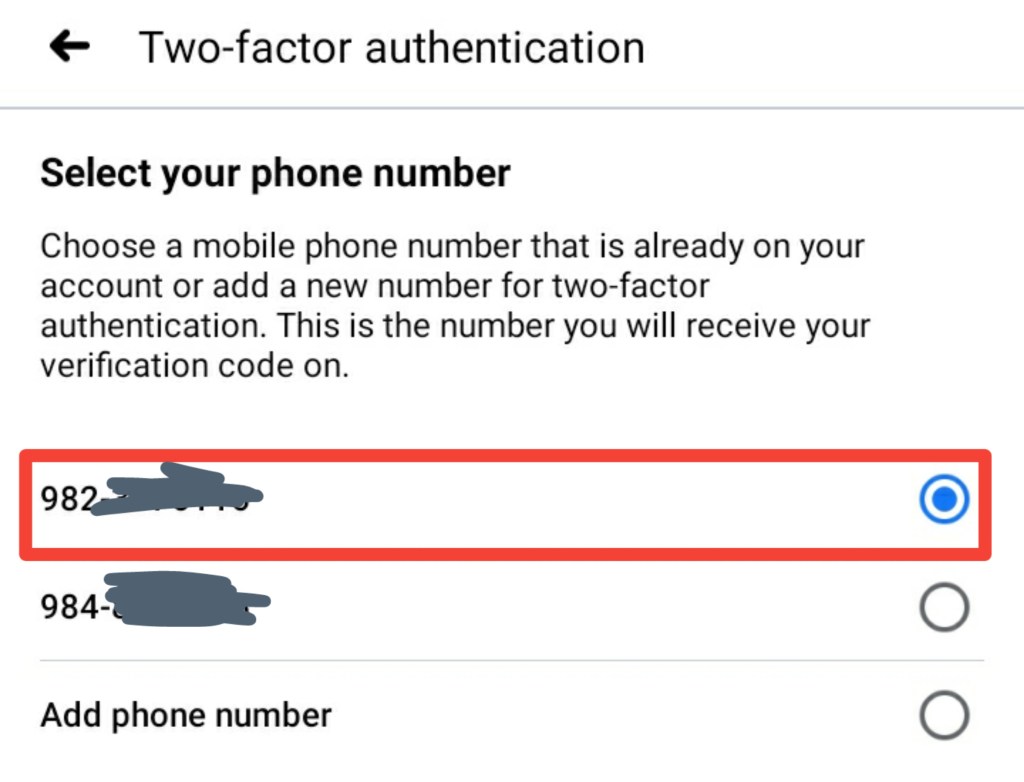
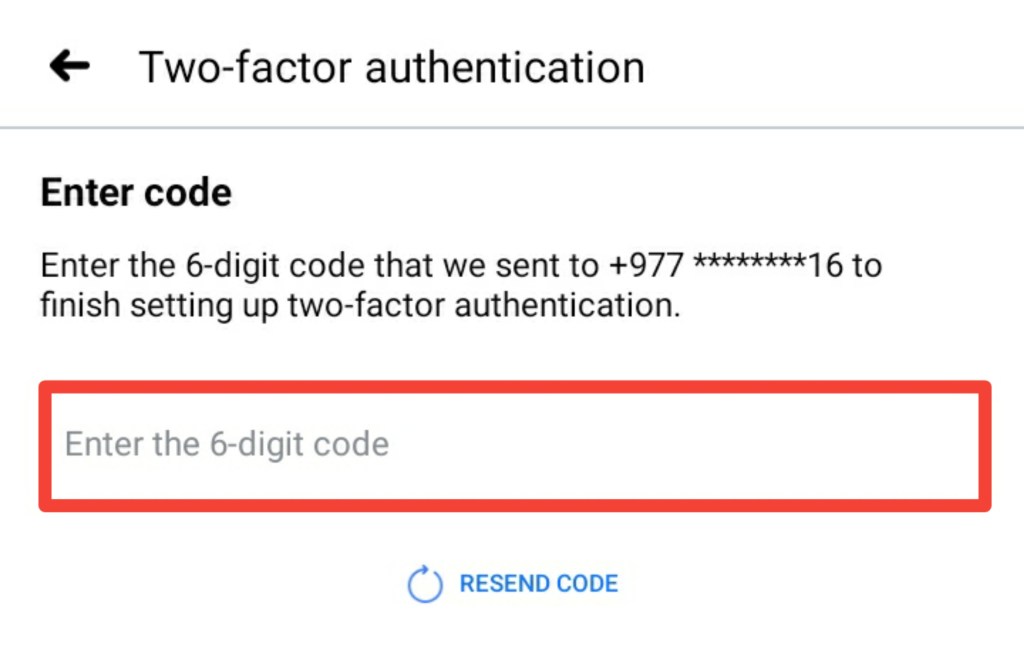
Step 7 : Enter the 6 digit code sent to the same number & click continue
Done! You now have thhe 2FA enabled.
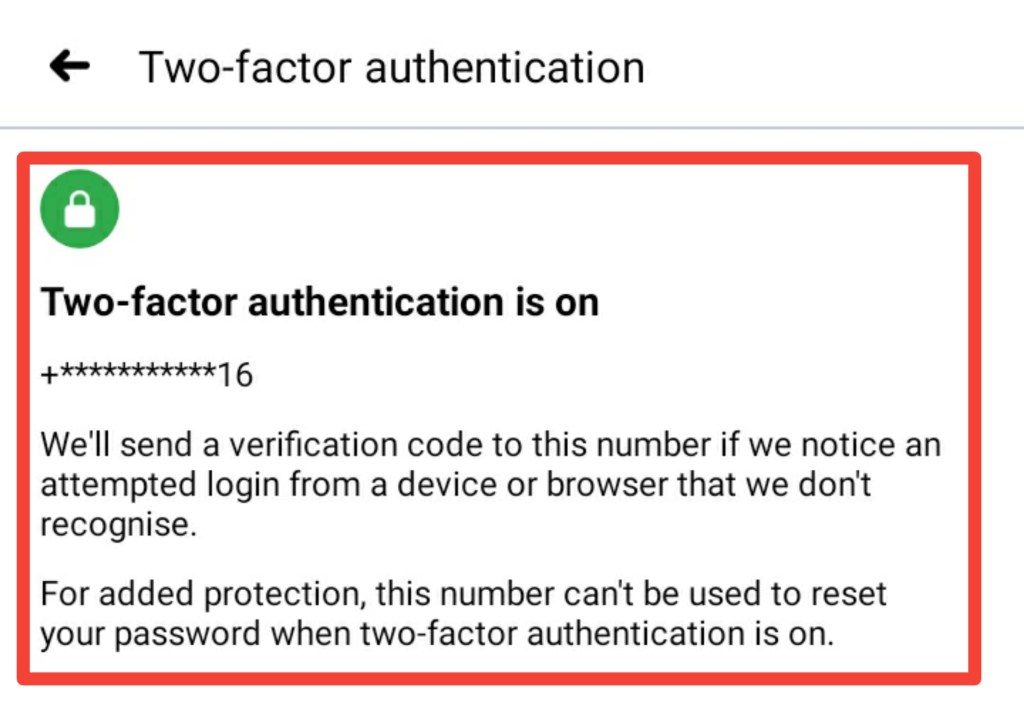
With 2FA now enabled, your account has been added with another layer of extra security!.

 KHUMBU TECH