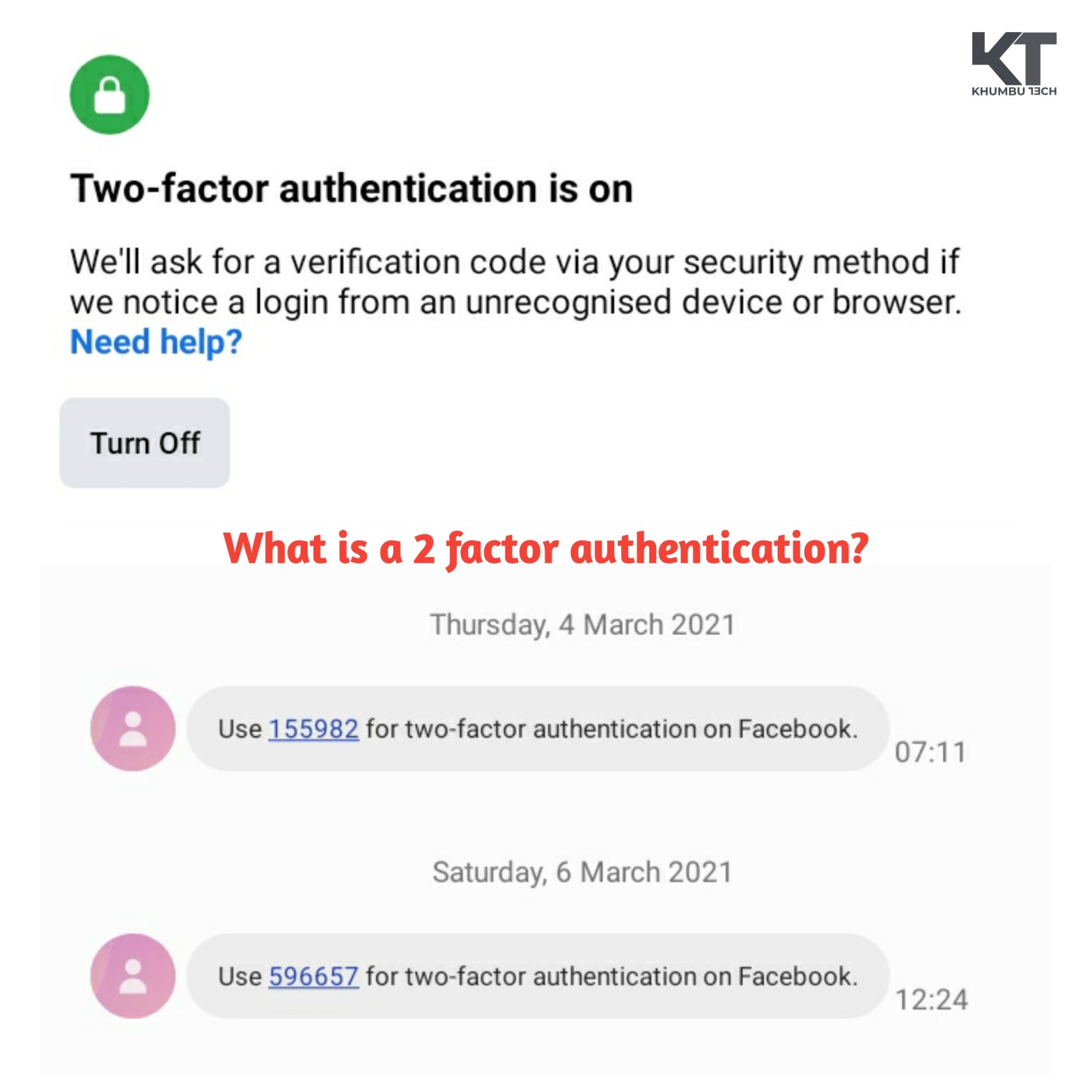
We all have heard of the term “Two Factor Authentication” or in short “2FA” mainly on social sites such as Facebook, instagram, WhatsApp, Twitter, etc. But not many of us know what & how exactly it works.
According the social media giant Facebook, A two factor authentication is a security feature that helps to protect your facebook account in addition to your password. If you setup two factor authentication, you’ll be asked to enter a special login code or confirm your login attempt each time someone tries accessing Facebook from a browser or mobile device that Facebook dosen’t recognise.
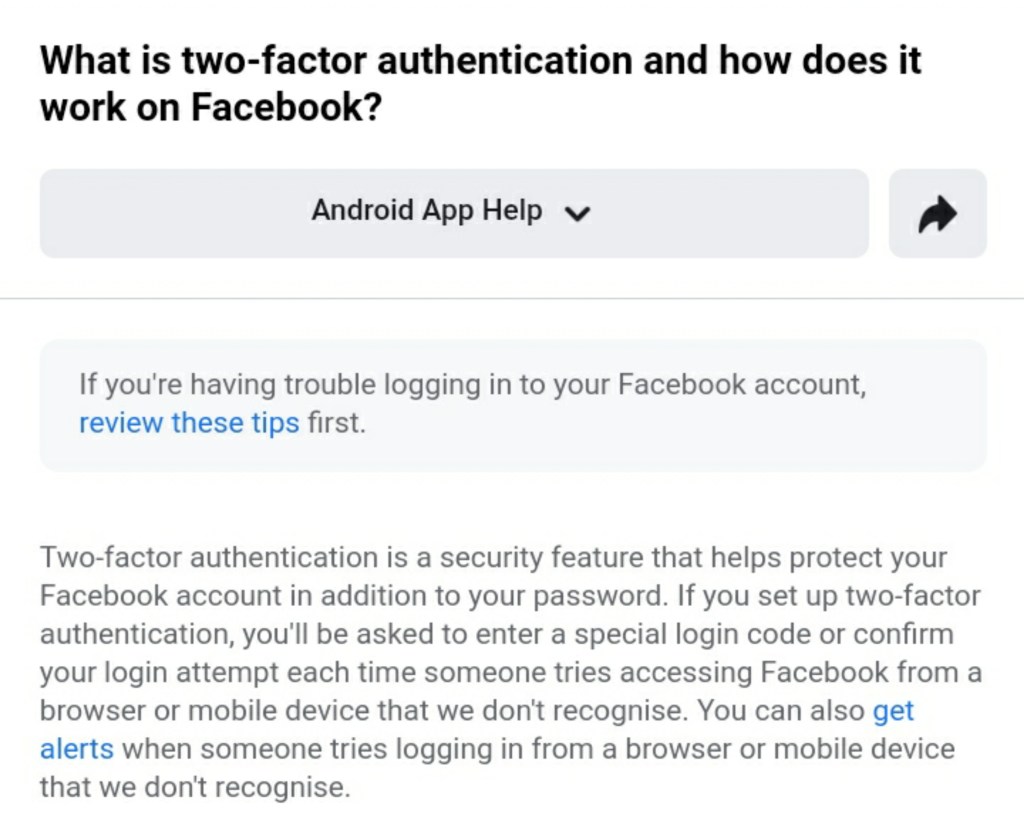
In simple, when the 2FA feautres is enabled it prevents unwanted access or logins to any of your social sites or other websites which provide the 2FA feature by asking for a special code sent to your provided contact details or by asking you to review the login attempt before allowing access to your account.
This feature is currently available on most of the websites & social media platforms in order to protect their user’s account from unwanted access.
So how exactly does this feature work? Well in general every account needs to be accessed by providing a username & password. By enabling the 2FA Feature, it adds another layer of security over the username & password especially when someone logins to your account through an unknown device & location which requires you to verify before allowing access.
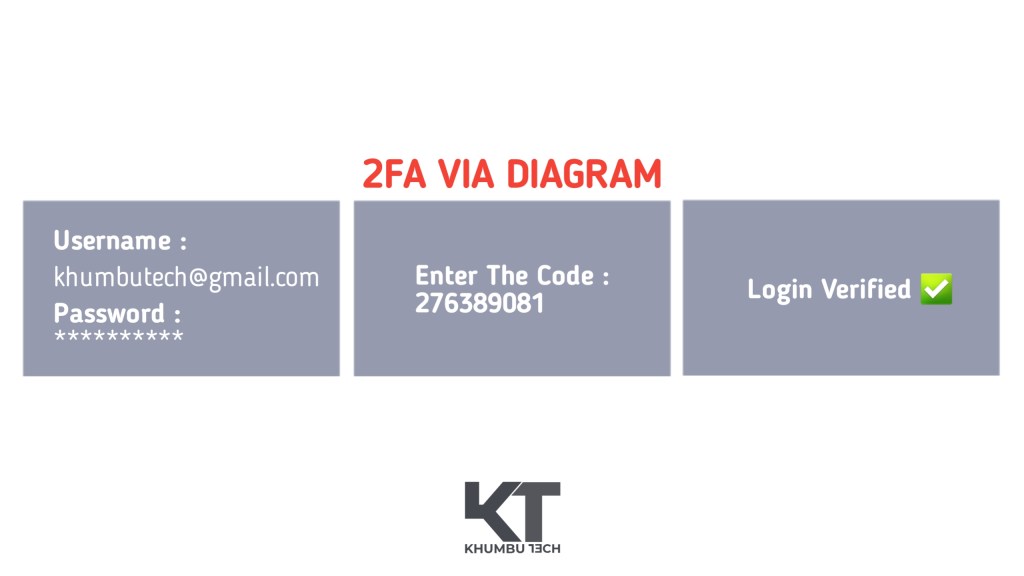
The 2FA is mainly of three types :
- Verification code via SMS/ Mail
- 2FA App such as The Google Authenticator
- Biometric Verification Login
The verification code via SMS/ Mail is the most common 2FA method used by many users as one has to provide their primary contact details to which the website sends a verification code everytime a login attempt is made inorder to verify the rightful owner.
The 2FA app such as the Google Authenticator is another type of 2FA provided by Google. In order to use this method, the user must download the Google Authenticator app from the PlayStore & register an account. Next the user must link his social accounts which would require the code to be entered provided by the 2FA app.
The third method is via the Biometric scan. Not very common among users as most of the users don’t have a finger print scanner based mobile device. But very useful and convenient to use to verify authority of the account.

 KHUMBU TECH
2 Comments